
An organic content plan for SaaS founders who still have a product to build.
A founder can spend an entire week working on the product and still end Friday wondering what to publish. The solution is not to create twenty unrelated posts. Start with what customers ask, what the product solves and the few pages that help someone decide whether it is right for them.
Organic content marketing for SaaS starts with a useful path through those questions. Help someone recognize the problem, see the product handle it, and take the next step that fits their situation. The sample month below pairs four article topics with four short demos for a fictional scheduling product.
Choose topics from product use

Collect the questions people ask before deciding
Start with a source you already have time to review, such as sales notes, support messages, or onboarding conversations. Write down what the person wanted to accomplish, the tool or process they were using, and where they got stuck. A question like “Can people book only the hours I’ve set aside?” is easier to turn into a useful page than a broad topic like “scheduling tips.” It points to a buyer decision and to a product action you can verify. Keep a note of which questions recur, and remove identifying details before sharing examples.
Separate the objections a prospect raises from the tasks a customer needs help completing. A prospect asking whether a booking link can replace email coordination may need a comparison. A customer who already has the tool and wants to test a booking page needs a setup guide. The questions may use some of the same words, but the answer and next action differ. A good topic list records that difference so that the writer does not turn an onboarding question into a sales pitch or bury a buying decision inside a lengthy tutorial.
Choose a use case you can support with evidence
Pick a question your product can answer under conditions you can explain. Write the situation in a sentence, such as a solo consultant wanting people to book only during consultation hours. Then check the actual controls, permissions, and settings that make the use case work. If a feature exists only on a particular plan or behaves differently for shared calendars, put that condition in the brief. Choose a narrower question if you cannot show the full process accurately. The point of the use case is to help a reader decide what applies to them.
Bring something specific to the answer. You might have an approved recording, an example setup you can reproduce, or a practical detail your team learned while helping people get started. Google’s people-first content guidance is useful for checking whether the article offers original information or a meaningful explanation. Before adding a topic to the calendar, ask what a reader will understand or be able to do after reading it. If you cannot answer, gather better evidence or choose a more specific question.
Give the topic a clear role in the buyer’s path
Record whether the page helps someone discover a solution, compare it with their current process, or complete a first task. Then choose a next step appropriate to that job. A how-to article can point to the feature it demonstrates. A comparison can lead to a demo that shows the difference in practice. An onboarding article can help a customer finish a test without requiring another sales conversation. These paths can exist side by side without making every page use the same call to action. Keep the next step useful even if the reader does not become a customer.
The first set of pages

Explain the feature and its use case
Give the core feature a clear home. Explain what it does, who typically needs it, and which conditions matter before someone tries it. A scheduling feature page might show how an owner sets availability and what a visitor sees. A use-case page can take a narrower situation, such as a consultant setting aside recurring appointment hours, and explain why the feature helps there. Only make a separate page when it answers a distinct question. If the same explanation would serve both, start with one useful page and link to the relevant part of it.
Give each page a visible next action. A reader exploring the feature can watch a short demo or check a setup guide. A reader who has already decided can move to the product’s existing signup or trial. Use links that describe the destination in the context of the sentence. Google’s guidance on crawlable links and descriptive anchors explains how to make those paths clear. Check that the destination actually answers the follow-up question before adding the link.
Write comparisons around the buyer’s decision
Choose the alternatives the buyer actually considers. A scheduling founder might compare email coordination, a booking link, and a more complex shared-calendar setup. Use criteria the reader can check, such as who can change availability, how a booking is confirmed, and who handles exceptions. Explain when an existing process is sufficient. If your product’s behavior depends on setup or plan, make that condition visible. A useful comparison helps a reader understand the decision rather than filling a table with check marks that mean different things in different columns.
Keep a source and review date for each factual comparison. A third-party tool may change its settings, and your own product may add a feature after the article goes live. Link to current evidence where the reader needs to verify a detail. If you have not used an alternative, distinguish what its documentation says from what your team observed. Use the same scenario across the options so differences are easier to interpret. The strongest next step is often a concrete demo or a question the buyer can use to evaluate their own setup.
Give the supporting article something worth opening
Use the article to answer a practical question in more depth than a product card can. An article on appointment availability could explain how to choose a window, test the booking page, and catch common mismatches. Show an example your team can reproduce. Explain what the reader should expect to see at each step and what to check when it differs. An original screenshot, checklist, or short observation from a recorded test can make the answer more useful than a generic overview. Keep the evidence beside the draft so a reviewer can confirm the details.
Social proof through product demonstrations
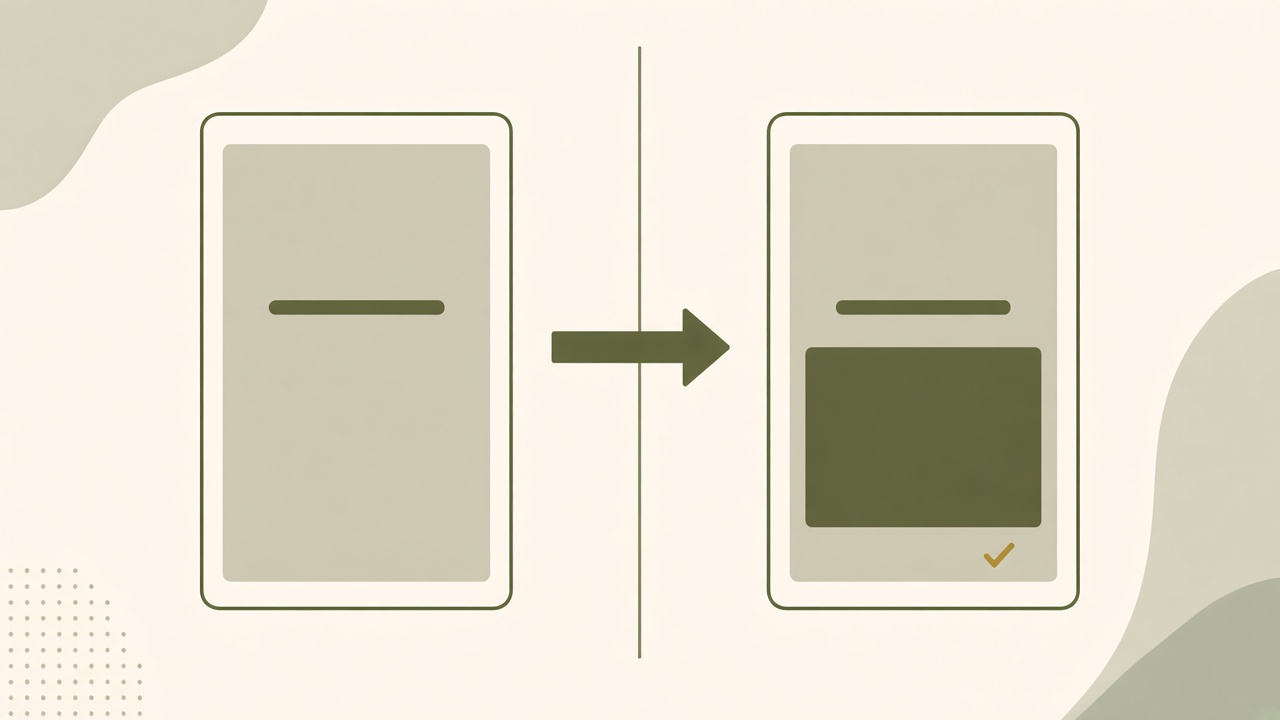
Record one real change a viewer can recognize
Choose a before state, an action, and a result. Start the recording with enough context for someone to identify the problem. Show the actual control being used and leave the result on screen long enough for a person to read it. A booking demo can show an availability window being saved and the resulting times on a test booking page. Record with safe sample data. Keep private names, contact details, and calendar events out of the footage. If you need more than one account view, label each view so the viewer can follow which person is acting.
Give the clip and the article different amounts of detail. The clip can show the setting and the visible result. The article can explain why a particular window was chosen, what happens if an event conflicts, and how to verify the result in another time zone. When the clip uses speech or meaningful audio cues, the W3C captions guide explains how to make that information available in text. Review the caption timing and crop in the intended format so people can read the words without losing the product action.
Keep each claim within what the demo shows
Check the caption, voiceover, and destination against the recording. A clip showing a booking confirmation can demonstrate that the test booking reached a confirmation screen. It cannot establish that a customer’s booking rate improved. If the scene uses a fictional customer or test data, say so. If an account setting or plan is required, note it where a viewer will see it. Describe observable product behavior separately from a founder’s interpretation. Keep any case study numbers out of the clip unless you have evidence for the measurement and permission to share it.
Ask someone familiar with the product to watch the final export and check each visible claim. Then ask a person who has not used the feature whether the result is understandable. Those reviews serve different purposes. One checks that the recording is true to the product, while the other checks that the audience can understand it. If a viewer cannot read the result, hold the frame longer or choose a tighter crop. If the claim is too large for the evidence, narrow the wording before publishing instead of adding an unrelated illustration.
Link the demonstration to a useful next step
Give each clip one destination. A person learning how to set availability might need the setup article. Someone comparing a booking link with email coordination may benefit from a feature comparison. An existing user may need to open the relevant control inside the product. Check the link and its content before the clip is scheduled. Put the approved recording, caption, destination, and review date together so the team can correct the asset if the interface or the route changes later.
A sustainable four-week routine
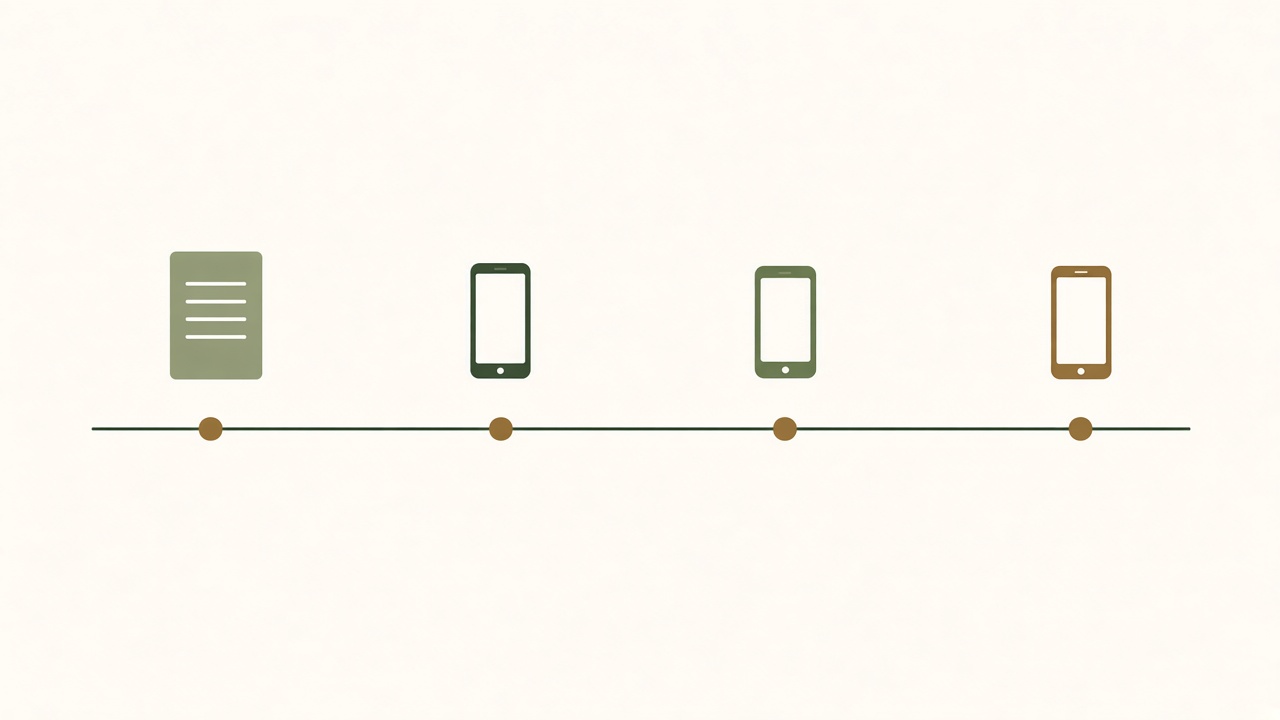
The example below follows a fictional scheduling SaaS for solo consultants. Its product lets a consultant set availability, share a booking link, and try a sample appointment. The example shows a planning sequence. It does not represent a real customer, measured results, or a promise that the same plan will work for every team.
Four article topics and four short demo concepts
| Week and buyer question | Article topic | Short demo concept and next step |
|---|---|---|
| 1 · Discover Can I limit when people book? | How to set appointment hours without opening your entire calendar. | Set one consultation window, then show the available slots. Link to the feature explanation. |
| 2 · Compare Should I keep arranging meetings by email? | Booking links versus email scheduling for solo consultants. | Show a test visitor selecting a time from a booking link. Point to the comparison. |
| 3 · Verify fit How do I check for calendar conflicts? | A calendar connection checklist before you share a booking link. | Place a sample busy event and inspect the booking view. Link to the integration checklist. |
| 4 · Activate How do I know the booking flow works? | How to run your first test booking from the visitor’s side. | Open the test link, select a slot, and show confirmation. Point to the onboarding steps. |
If your team wants a connected search-and-social process, explore Growth Duo and check the current plan details.
Week one: make the availability decision easy to check
Build the article around a consultant who wants a recurring Tuesday appointment window. The draft should help the reader choose a window, inspect what a visitor sees, and check which time zone applies. For the clip, record the test window being set and hold on the resulting times from the visitor’s side. Keep the selected window the same in both assets. Have the founder check whether any other settings can affect the result and identify those conditions in the article. A useful signal for the next review is whether readers can find the availability explanation from the article or ask a more specific question about their own setup.
Week two: help a buyer choose between email and a link
Compare two approaches to a standard consultation. Email allows a person to discuss unusual timing before offering a slot, while a booking link can show the times the consultant has chosen in advance. Explain which circumstances would make either approach a better fit. For the demo, follow one visitor selecting a time from the test link. Keep the recording focused on what the visitor sees and leave unusual appointment requests to the article. Review the comparison with the same booking scenario on both sides. After publishing, note whether visitors move to the feature explanation or still ask which method fits a particular kind of appointment.
Week three: test the integration before sharing the link
Write the checklist for someone who wants to avoid sharing a link before their calendar behaves as expected. Ask them to confirm which calendar is connected, create a sample busy event during an open window, and inspect the visitor view. In the clip, show one conflicting event and the corresponding test window. If the product’s current settings do not hide the slot, explain what the test revealed instead of staging the expected result. The article should help a reader know what to check if their test behaves differently. Keep a note of setup questions from this week so the integration guide can be updated with a clearer example.
Week four: give a new user a concrete first success
Plan the article for someone who has created a booking link and wants to know whether it works. Have the reader open it as a visitor, select an available time, and check for confirmation before sharing the link with anyone else. Record the same test for the clip using safe sample details. The last frame should show the confirmation, with the next action pointing to the complete setup steps. If the team measures this workflow, count a completed test only when the product records the confirmed booking. Keep that milestone distinct from a clip view, article visit, or signup so the founder can see where help is still needed.
Give each week a small evidence packet with the relevant setup, one approved recording, and the place to publish each asset. Reuse the same fictional consultant and test data so the sequence feels coherent. Keep each week readable on its own, since a visitor may start with the comparison or integration guide and never see the first article.
Set aside time for planning, production, and review
At the start of each week, choose the question and confirm the evidence before drafting. Bring the same source to the article outline and the clip. Reserve a short window to record the product while the example setup is ready. A solo founder can use the same test account for screenshots and a short recording, then switch back to product work. If the week is busy, finish the asset with the clearest next step and move the other one. An unfinished pair is less useful than one reviewed piece that answers the question.
Before publishing, check the article and demo together. Verify the facts, the current interface, and the destination of any links. Decide which asset needs to go live first. If a clip points to a checklist, wait until the checklist is available or change the caption. Keep the first approved version and a short note about why it was ready. At the end of the month, use the notes to see which preparation steps were repeated and which could become part of a standing brief for the next set of topics.
Measure what helps someone move through the path
For website discovery, use the Search Console performance report to see which queries surface the page and which lead to clicks. For links from social posts, the Google Analytics guide to campaign URLs explains how to distinguish referral links in reports. Review those signals with the original purpose of each asset. A comparison page might help someone select a workflow. An onboarding guide can succeed when it helps a new user complete a task even if it receives little public traffic.
Define a qualified signup and an activation event before evaluating the month. For the fictional scheduler, a qualified signup might come from a person with a real appointment workflow. A first successful test booking could be an activation milestone the product records. If you use Google Analytics, its guide to recommended events can help you choose a consistent signup event name. Use your product records to confirm activation. Record small sample sizes and avoid attributing an outcome to one article when several pages or conversations helped the person decide.
Turn the monthly review into the next plan
Read customer questions and internal feedback alongside the numbers. If viewers click the setup guide and still ask how to verify the time window, improve that step before making a new clip. If a comparison receives attention but the team cannot answer the buying question from its current evidence, gather a better example. Look at production time too. A monthly routine is sustainable when you can keep reviewing the work while building the product. Keep the parts that produce a useful answer and change the steps that repeatedly stall.
Choosing a workflow
Start with a setup your team can maintain
A founder can run the sample month with a topic list, a place to write, a screen recorder, and the publishing tools already in use. Record where the source brief lives and who reviews the claims. Use the existing website workflow for articles and the normal channel for clips. Check which part of production takes repeated effort before adding software. A slow process could come from missing footage, a difficult editorial handoff, or an unclear approval decision. Each problem needs a different change, and a single new tool may not address all of them.
Try one complete topic using that setup before evaluating a new workflow. Record time spent gathering evidence, drafting, editing, and checking the published version. Keep a note of the work that had to be repeated when one product fact changed. If the same person handles both formats, a shared brief may be enough to keep them aligned. If several people touch the work, a clearer approval record and reliable export may matter more than generation speed. Include the normal review steps in the trial so that you compare completed work rather than draft counts.

Check when a combined offer would help
If search articles and social demonstrations are both recurring, the Growth Duo offer shows what is available together. BloGoose is the website content side, and Vlozy is the social creative side. Bring one question, approved product facts, and footage you can use. Ask whether each workflow can prepare the asset your team needs and whether your editor can check it before publication. Verify the current plan, export options, and supported destinations if they affect your buying decision.
Choose a first run that resembles your real week. Use a topic you expect to maintain and check how the article and clip connect to the next useful page. If one format does not fit the question, give the team permission to leave it out. If both are useful, record what they can share, such as the source notes and an approved product description. Decide whether the bundle saves enough repeated effort to matter at your publishing pace. The comparison should include review and ownership as well as the work of producing the first draft.
FAQs and next step
What is an organic content strategy for SaaS?
It is a plan for using useful website and social content to answer buyer and customer questions. Start with a product use case, choose an evidence-backed format, and give readers a useful next step toward learning, comparing, or trying the feature.
Which SaaS pages should be created first?
Start with the pages that explain what the product does and who needs it. Add a use case, comparison, or how-to article when it answers a different decision and your team has evidence to support the explanation.
Should a SaaS startup blog before launching?
It can publish useful material if it has reliable evidence and a real audience question. An early feature explanation or onboarding resource can also be a better use of time. Label what is available now and avoid treating planned capabilities as current ones.
How can a feature become a demo video?
Choose a visible before state, show one action, and hold on the result. Record the actual product with safe data. Explain which conditions matter and point viewers to the page that helps them repeat or evaluate the action.
What are good SaaS content topics?
Look at repeated sales objections, questions about setup, and use cases customers already try. Pick topics your team can answer with current product evidence and a clear example.
How does content support product signups?
It can help a person decide whether the product fits and find a relevant next step. Track whether qualified visitors reach that step. Use product data to see whether new users complete the task that matters after signup.
What should a SaaS comparison page include?
Use the same buyer situation across options. Explain practical differences, limitations, and who each approach fits. Keep claims sourced and point to a feature demo or setup guide where that would help the reader verify a difference.
How much content can a small SaaS team sustain?
Use a pace the team can research, review, and maintain. Start with one question and one useful asset in a normal week. Add a second format when it has its own purpose and someone has time to review it.
How do I connect SEO content and product videos?
Give both the same customer question and product evidence. Let the article answer the full question and the video show one part clearly. Link to the next useful destination from each format.
How should SaaS content performance be measured?
Compare search queries, referral visits, and useful customer feedback with the purpose of each page or clip. Measure qualified signups and activation separately. Use the results to improve the path instead of relying on traffic alone.
Bring one customer question and the product evidence behind it. Compare the workflow with the next article and demo you need to make.