
Reuse the research. Rewrite the experience for each channel.
Good research can inform more than one piece of content. But posting the same paragraph everywhere rarely helps. Repurposing works when you keep the useful idea and rebuild the format for how people actually use the next channel.
Content repurposing automation helps a content lead find useful material in a source article, prepare briefs for different formats, and carry approvals into a distribution plan. Start with one insight that already has evidence. Decide what the next audience needs to see, do, or understand, and choose the format that can deliver it.
What should and should not be reused
Keep the evidence and the limits of the claim
Start with the part of the source that would still help someone if they never saw the original article. It might be an observation from a documented test, a customer question answered with product evidence, or a short sequence readers can follow. Write it in one sentence and record what supports it. Keep the surrounding conditions that make the sentence true. If a finding came from one plan, one version, or one situation, carry that information into the brief so the adapted asset cannot accidentally turn it into a general promise.
Read the paragraphs around the passage before extracting it. An exception may appear just below the line you want to reuse. A number may only make sense when the reader knows what was counted. A quote may be the author’s interpretation of another source rather than a statement from that source. Mark these details in the shared brief. A person reviewing the next version should be able to find the original passage, understand its meaning, and tell which parts of the adapted asset still need evidence.

Give the next format a different job
Choose the experience according to how the new audience will use it. A reader looking up a topic may want the explanation, alternatives, and the reasoning behind each step. Someone watching a short clip may need to see one recognizable mistake and how to correct it. A checklist should let a person complete a review without rereading the article. A founder post can explain what the team learned and ask a useful question. Each version should give the audience enough context to get something from it where it appears.
Read the adaptation on its own. If the first line assumes the reader knows the original article, add the missing context or choose a clearer opening. If a new website page would repeat the same answer for the same audience, consider improving the source page instead. Google’s guidance on helpful, people-first content gives editors questions for deciding whether a page adds something useful. Where multiple URLs serve substantially the same content, use Google’s canonical URL guidance when assessing how the versions should be handled.
Check rights and keep attribution with the source
Permission to publish a piece in one place may not cover every asset inside it or every use you have in mind. Check the original permissions for quotations, images, music, screenshots, and customer examples. If you plan to adapt openly licensed material, the Creative Commons license guide explains the different license conditions. Keep the source, license or permission record, and attribution instructions together. When the new format cannot display the attribution clearly, use a different asset or find a suitable way to credit it before publishing.
For work your team produced, confirm who has the editable files and who can approve another use. A screenshot supplied for an article may include information that a new crop makes more prominent. A customer quote cleared for a case study may need a separate check before it appears as a social graphic. Give the next producer a list of approved materials and a contact for anything uncertain. It is easier to plan a good version with material you know you can use than to rebuild the asset at the end.
A reusable repurposing map
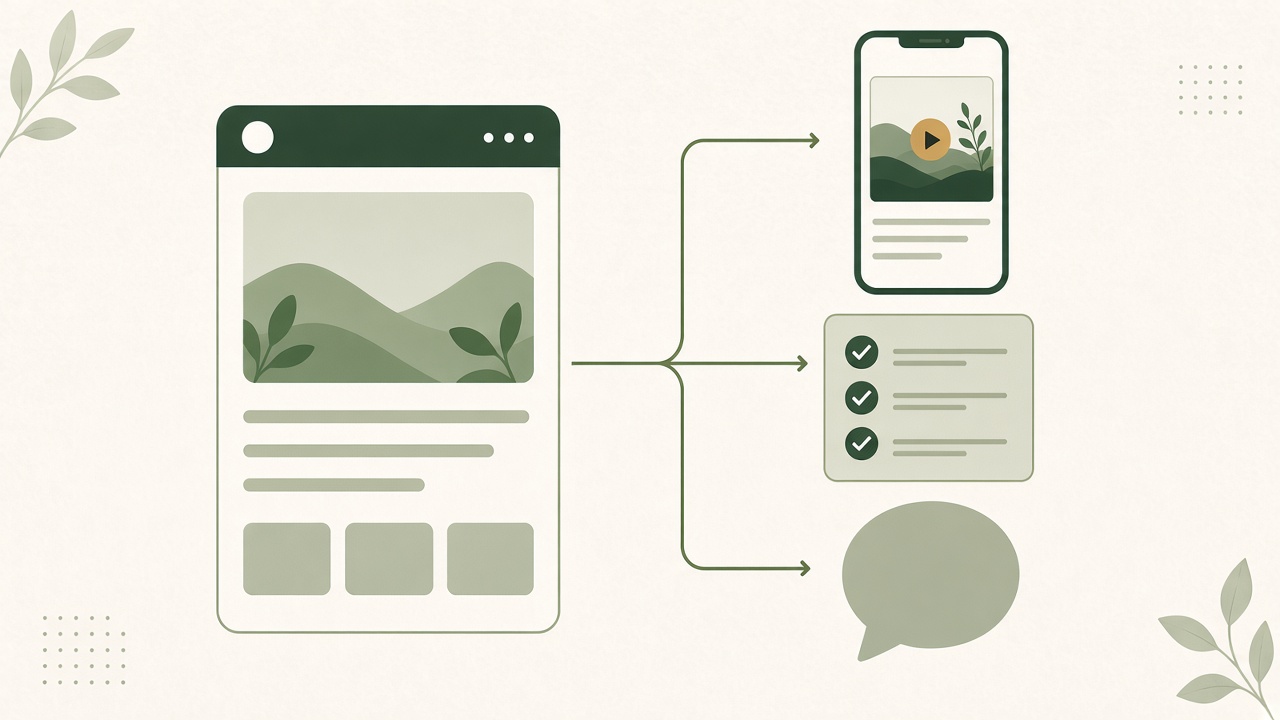
Turn the article into a demonstration
Find a line the viewer can understand better by seeing it happen. Give the video one opening question, one visible action, and one result. The hook should describe what the viewer is about to see. If the article explains a process with several steps, show the step where a reader is most likely to get confused. Keep the longer explanation in the article and provide a useful next step from the video. A 20-second script has room for one clear demonstration if the footage is prepared in advance.
Turn the article into a checklist or carousel
Extract the decisions someone can act on and put them in the order they would make them. Write each item as an instruction with a result the reader can check. In a carousel, give each panel enough context to make sense when someone sees it quickly. Keep the supporting detail in the caption or the source article. If a step depends on a condition, put it beside the instruction rather than hiding it in a final note. A checklist is useful when a person can use it while doing the work.
Turn the article into a founder post
A founder post can describe the problem the team noticed, how it approached it, and one decision a reader might apply. Use a first-person observation only when the author can confirm it. If the team has not run the example, write it as a suggestion or a question. Choose a concrete opening for the LinkedIn adaptation and make the text useful before asking for a click. Link to the full explanation when it gives the reader something the short post cannot cover.
One accessibility principle, two adaptations
The source is published guidance. The script and social post are editorial examples for review.
Before: the source passage
“Captions are a text version of the speech and non-speech audio information needed to understand the content.”
Source: W3C Web Accessibility Initiative’s captions guide. The core insight is that meaningful sounds can carry information alongside speech.
After: a 20-second script
0–4 seconds: Show a fictional upload screen. “Could you tell when the upload finished with the sound off?”
4–13 seconds: Play the sample clip with a completion chime. Replay it with a timed caption reading “[upload complete chime].”
13–20 seconds: “If a sound tells the viewer what happened, include it in the captions.” Hold the corrected frame and point to the source guide.
After: a social post
“Watch your product demo on mute before you publish. If a chime is the only cue that an upload finished, the viewer may miss the result. Add a caption for meaningful sounds as well as speech, then check the timing on the final cut.”
Keep the W3C guide with the post as the source for the accessibility advice.
See the actual workflow, review what is included and choose the next step that fits your business.
Notice how the versions retain the same factual point. The script gives a viewer a visible comparison, while the post gives an editor a practical check. A checklist based on the same material could add separate items for speech, meaningful sounds, and timing. Each format uses the source in a different way and can be reviewed independently.
Write down what each version needs to preserve
Put a short record beside the original passage. Write the claim, the example you plan to use, and what the example leaves out. In this case the claim is about conveying meaningful audio in text. The upload sound illustrates that point. It does not explain every part of an accessible video. The editor can use that record to stop a caption, headline, or thumbnail from promising a broader result than the source supports.
Choose how to present the source in each format. An article can explain it in context and link directly to the relevant guide. A video may have room for a source credit in the end frame and a link in its description. A social post can include the reference alongside the practical check. Ask the publisher to confirm where a reader can find that credit on the live asset. Save the exact source URL in the review record even if it appears elsewhere in the post.
Editorial review
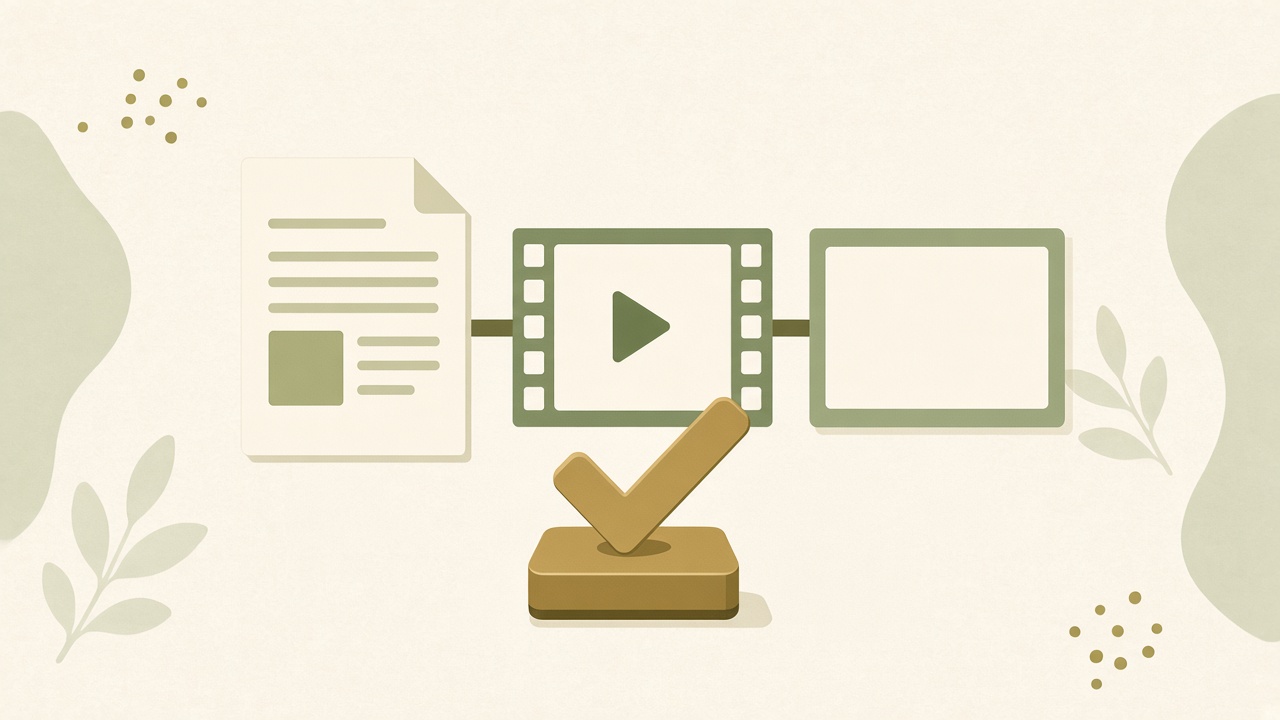
Check what changed from the source
Put the source passage, draft script, visual, and post text next to one another. Highlight the facts they share. Then mark any line that introduces a new example, result, or claim. Ask whether the source supports it and whether the new framing changes its meaning. In the captions example, a completion sound is used to demonstrate an accessibility principle. The scene should not imply that adding one caption addresses every accessibility need in a video. Keep the review focused on what the example can actually show.
Review omissions as carefully as additions. A short caption can lose a qualifier that made an article accurate. A slide with one number may omit the group or date it describes. A crop can remove the button that confirms the change the narration promises. If the condition is essential, show it or say it in the new format. If the short version cannot carry it clearly, choose a narrower claim. Keep an approved version of the source note beside the asset in case someone later asks what supported it.
Test the experience with the intended audience in mind
Read the post without the article open and watch the clip without depending on the surrounding feed. Look for terms that need context and instructions that make sense only to the person who wrote them. Ask a colleague to explain the main idea after one viewing. If they cannot tell what changed, revisit the opening and the visible result before changing the headline or adding more lines. A piece should give the audience a clear answer or a useful next action even when they encounter it outside the planned publishing sequence.
Check the actual format before scheduling. The image ratio, caption placement, duration, and link behavior can change between destinations. If the clip is intended for YouTube, consult the Shorts upload requirements before exporting. Preview the finished cut where a viewer will see it and make sure the important text remains legible. Review permissions for the assets in that destination as well. A file that can technically be uploaded may still need a different edit or a rights check before it is ready to publish.
Record who approved the version and who can correct it
Give each adaptation a person who can approve the exact version being published. Store the approval alongside the source and export, with the intended destination. If a central fact changes, use that record to identify which pieces need another review. A wording change can affect the post while leaving the video untouched, or it can require new captions and footage. Decide what needs to change before retrying an upload or replacing a live asset. Keep the latest approved file easy to find so a correction does not send the team back through old drafts.
Repurposing tool selection
Test with the materials you already have
Use an article your team owns and the related assets you expect to use. Try importing the actual format, whether it is a URL, document, transcript, or notes. See whether the tool preserves links, headings, and the context around a useful excerpt. If the input contains material you cannot share, use a cleared version for the evaluation. Keep one copy of the same source packet across the tools you compare so the trial measures the workflow rather than how much extra information a particular tool received.
| Area | What to test |
|---|---|
| Input formats | Import the source article and evidence. Check that quotes, links, and context are available for review. |
| Output control | Change the hook, fix a qualification, and make a new crop or caption while retaining the source facts. |
| Approval | Send a draft to the responsible editor and confirm which version is approved for each channel. |
| Export | Open the video, text, captions, or images in the next tool. Verify what remains editable and who can keep it. |
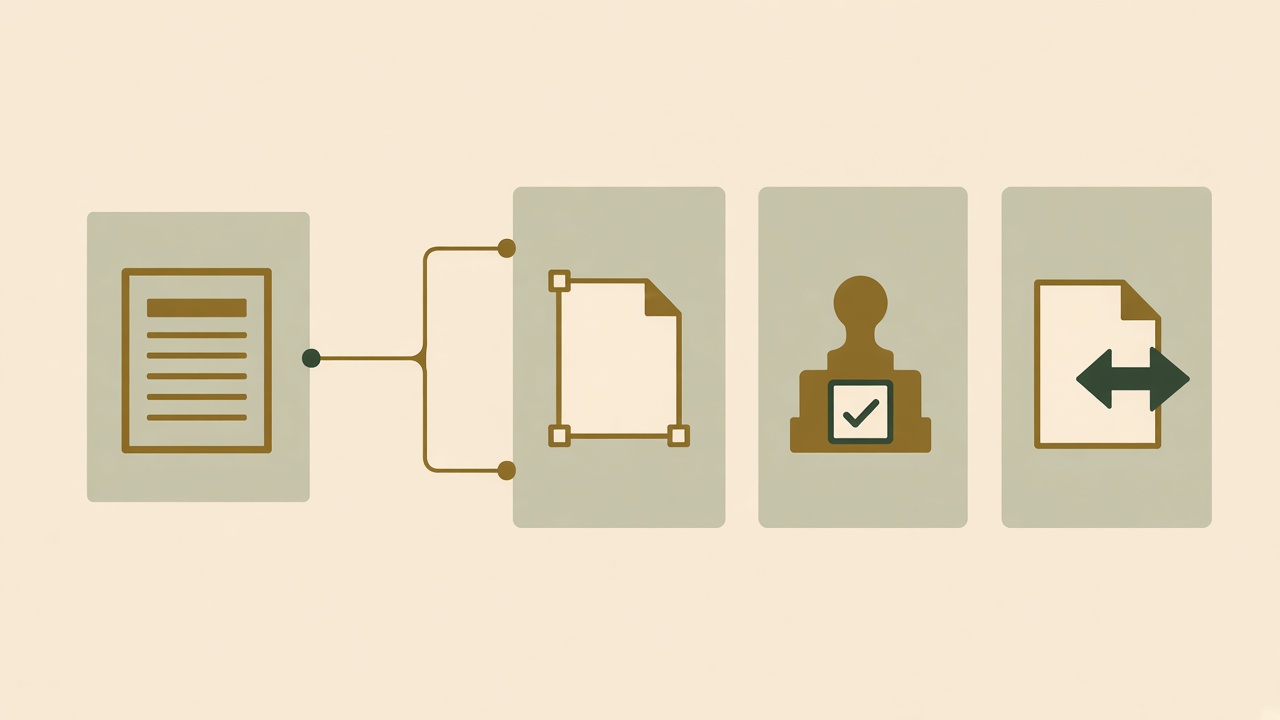
Check control over the second draft
Ask the editor to make a correction that affects the meaning rather than the style. For example, add back a condition the tool omitted and confirm that a later variation keeps it. Check whether the producer can shorten the script without losing the action or replace a source that is no longer valid. If the software can only regenerate the whole asset, observe how much review the team repeats after a small change. That may matter more in regular production than the time saved on the first draft.
Keep the destination in the test. An exported caption should make sense in the platform editor. A carousel panel should remain legible at the size people will see. A video export should allow the publisher to inspect its crop and audio. Ask which parts of the result you can edit after leaving the tool and which parts would need to be rebuilt. If you expect to keep a source file, test whether another team member can open it and make an ordinary correction without the original producer’s help.
Compare approval and export as part of the cost
Run one normal review before comparing options. Give the responsible editor a brief, a draft, and a deadline. Ask them to verify the source and approve the output for the planned destination. Record the handoffs, repeated data entry, and time spent recovering missing context. A simple editor can be sufficient when the team has one occasional asset to adapt. A more connected workflow is worth evaluating when several people produce and review different formats from the same research every week.
Decide what you need to confirm before buying. List required inputs, output formats, editable files, and approval controls. Ask whether the tool can support each one in your account, especially where a destination or export depends on plan settings. Compare the cost of the tool with the time and subscriptions your team would still need. A workflow that can produce more drafts may not help if the team cannot keep up with checking them. Use the trial to estimate what your editors can review and publish at a sustainable pace.
A sample multi-channel week
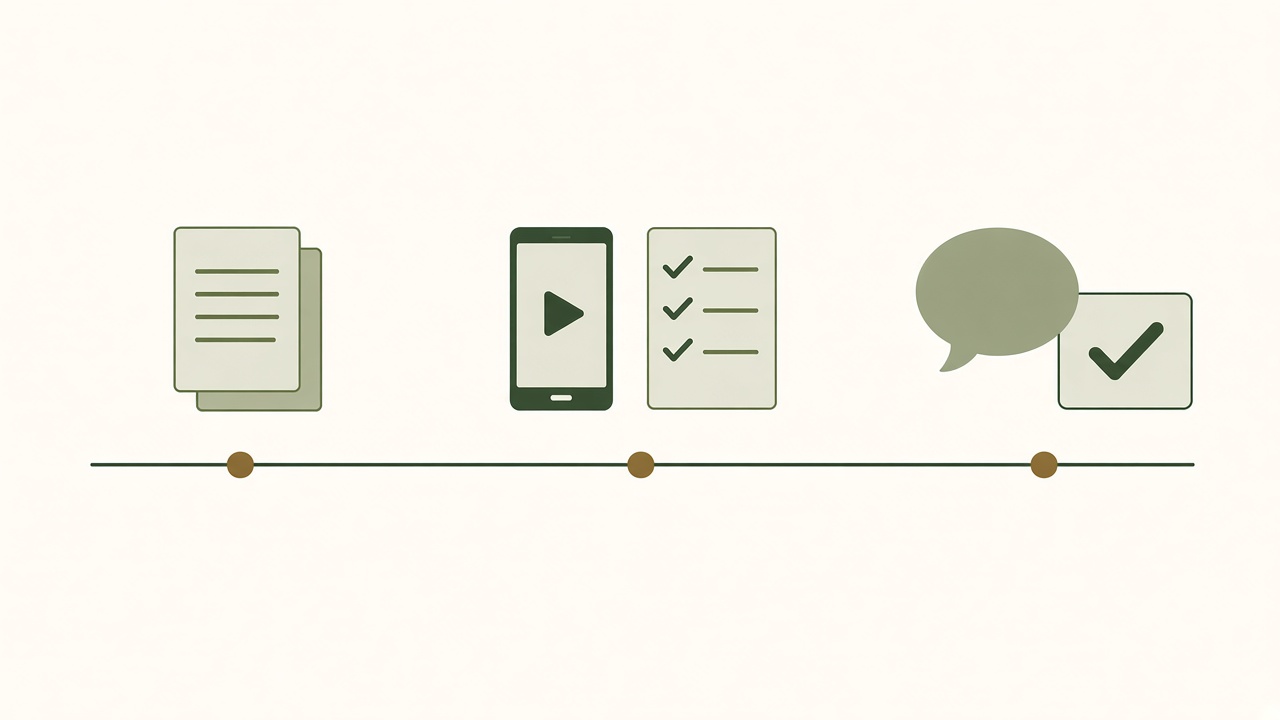
Monday: choose one insight and three jobs
Open the source article and select one insight that would help a reader or viewer this week. In the captions example, the team could prepare a short comparison clip, a three-item review checklist, and a founder post asking what their team checks before publishing. Record the source link, approved claim, and owner for each format. Decide what each asset can explain on its own and what would benefit from a link back to the complete guide. Keep the claim about meaningful sounds consistent while giving the three assets different purposes.
Midweek: make the outputs and review the publishing order
Record the simple demonstration, write the checklist, and prepare the founder post. Review the factual point once against the source and inspect each final format separately. Check that the captions appear when the sound occurs, that the checklist has steps someone can use, and that the post makes its point without relying on a picture. If a caption or post links to a guide that still needs approval, wait for the guide or revise the asset so it is useful on its own. Use dependencies to choose the release order.
A possible order is to make the reference guide available, publish the short demonstration, then share the checklist when people can use it to review their own work. The founder post can come later if it asks a question worth answering. Leave room in the calendar for a correction rather than scheduling every variation at once. When one asset gets held, record whether the others depend on it. A useful distribution plan makes those decisions visible to the person publishing.
End of week: check what readers and viewers did
Open the live versions and verify the links, crops, and captions. Look at which questions people asked and whether each piece did the job assigned to it. For links back to your own website, Google Analytics’ guide to campaign URLs explains how to tag links so referral traffic can be distinguished in reports. Compare that data with editorial effort and feedback. A click can show that someone reached a guide, while a question can show where the explanation still needs work.
Use the review to choose what to improve. If the clip attracted questions about timing, clarify the demonstration or update the checklist. If the founder post invited useful answers, add those questions to the next brief and verify anything you intend to cite. Keep a short note on what took longer than expected. The next week may need fewer assets or a more focused source. The aim is to learn which adaptations help the audience and which steps the team can repeat without sacrificing review.
Decide whether the next version is worth making
At the end of the week, compare each published version with its original job. The checklist might help an editor run a review, while the clip might make the need for the check easier to understand. The two can be useful even if people respond differently to them. Note the feedback each one earned and the production work it required. Then ask whether a proposed next version answers a new question or makes the same advice easier to apply.
Keep the sources and approved files available for future use, but do not treat the entire collection as evergreen. Set a review date when the advice depends on an interface, a platform setting, or a policy that may change. Before reusing an old asset, open the source and check the destination. An update may need only a revised caption or a replaced screen recording. Record the change so later versions do not accidentally restore the outdated detail.
When Growth Duo fits
Start with the search asset
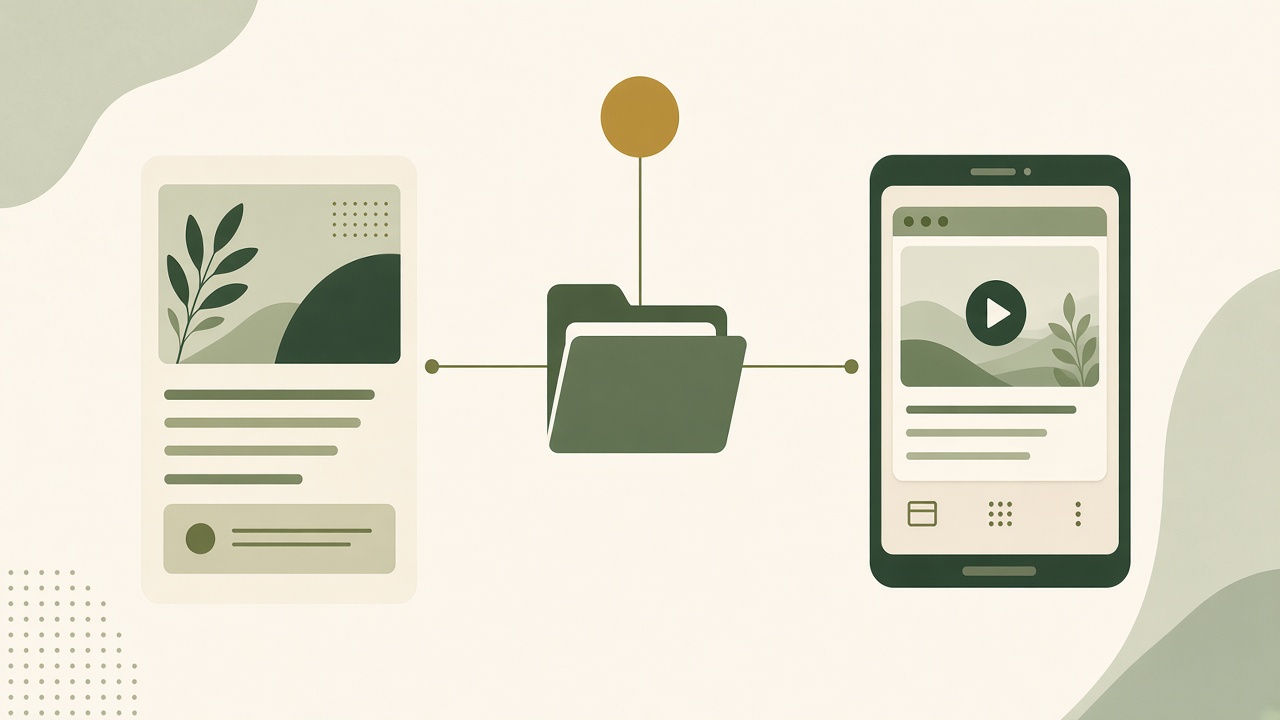
Growth Duo is relevant when your team regularly needs an article that answers a search question and a social asset that can show part of the answer. BloGoose is the website content side of the offer. Evaluate it with a topic supported by source material your editor can verify. Check whether the draft gives readers a useful explanation and whether the team can maintain it as the facts change. Keep the approved brief and the published URL together so the social producer can find the evidence without copying the whole article.
Choose the social asset for what people need to see
Vlozy is the social creative side of the bundle. Bring one visible action, accurate footage or approved material, and the format you need for the destination. Check the current product details and plan before relying on a particular output or publishing connection. Decide who reviews the version that will be shown to viewers. Use the Growth Duo offer to assess both roles against the work you need to repeat. If your immediate work is concentrated in one format, evaluate that branch on its own first.
Questions about content repurposing
What is content repurposing automation?
It uses software to help identify useful source material, prepare variations, or route assets for review. A person still chooses what to reuse, checks the evidence, and approves each format for its intended audience.
Can one blog post become several social posts?
Yes, when it contains several useful jobs to do. One post can demonstrate an action, another can give a checklist, and a third can ask a follow-up question. Give each version a clear purpose.
How do you repurpose an article without copying it?
Identify the core insight and the evidence that supports it. Rebuild the explanation around the next audience and format. Use attribution for borrowed material and link to the source when it helps the reader.
What content works best for a short video?
Choose an idea that becomes clearer when a person sees it. A screen change, a quick comparison, or a single step can work well if the viewer can understand the action and result in the time available.
Can AI make a video from a blog post?
Some tools can help draft a script or assemble a clip from supplied material. Check the tool’s inputs and output controls, and use real footage when the video needs to demonstrate how a product works.
How do you maintain accuracy when repurposing?
Keep the source and approved claim with each asset. Check the new hook, visual, and caption against the evidence, and carry forward qualifications that change the meaning.
Does repurposing harm SEO?
Adaptations that serve a useful purpose should be evaluated on that purpose. When multiple web URLs carry substantially the same material, review the canonical guidance above and decide which URL should represent the content.
How many social posts should one article become?
Use as many as have a distinct purpose and can be reviewed properly. A strong demonstration and checklist may be enough. Stop when the remaining versions would repeat the same point without helping the audience in a different way.
What parts of repurposing still need a person?
A person should choose the insight, check the claims and permissions, inspect the final format, and approve the version that will go live. Software can assist with preparation and handoffs.
How can I measure the value of repurposed content?
Choose one intended action per format, such as a guide visit or a useful reply. Look at feedback and referral data alongside the time required to prepare and review each asset.
Bring one sourced idea and compare how the article and social workflows fit the formats your team needs.